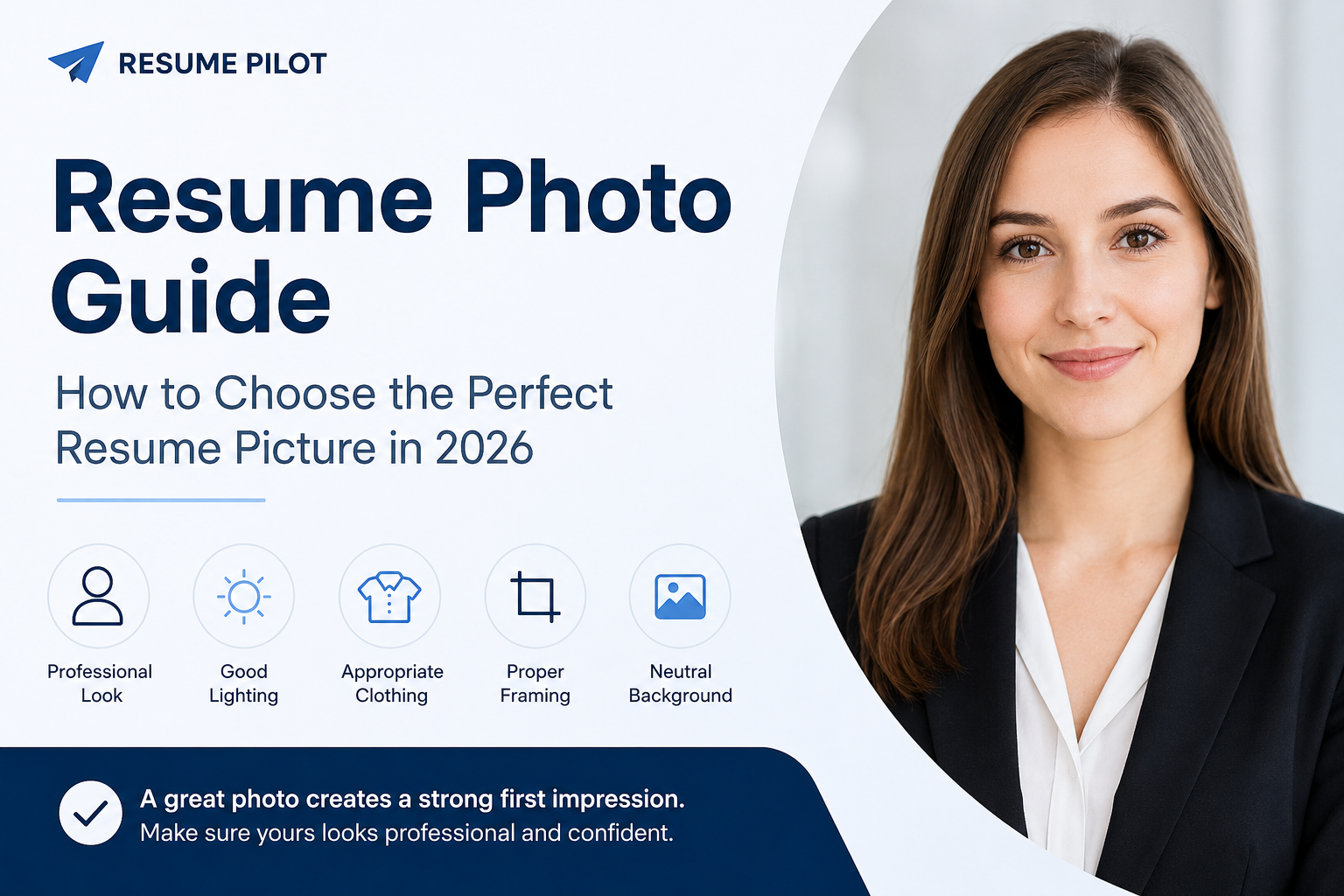
Should You Include a Photo on Your Resume?
There is no universal answer. Whether you should include a photo depends on the country, industry, employer, and local hiring practices.
Always read the job description carefully. If the employer requests a resume without a photo, follow those instructions.
Where Resume Photos Are Common
In several European countries, including Germany, Austria, and Switzerland, adding a professional photo to your resume is still a common practice.
However, even there it is usually optional unless the employer specifically requests one.
Where You Should Usually Avoid Photos
In countries such as the United States, the United Kingdom, and Canada, resumes are often submitted without photographs to reduce potential hiring bias.
If you're applying internationally, research the hiring practices of the country before adding a photo.
What Makes a Good Resume Photo?
✅ Good Resume Photo
- Neutral background.
- Natural lighting.
- Your face is clearly visible.
- Camera positioned at eye level.
- Professional clothing.
- Natural facial expression.
- High image quality.
Photos You Should Never Use
❌ Poor Resume Photo
- Mirror selfies.
- Photos taken inside a car.
- Vacation or party pictures.
- Photos with friends or pets.
- Sunglasses covering your face.
- Heavy filters or excessive editing.
- Blurry or dark photos.
Choosing the Right Background
A simple background helps keep the focus on you. White, light gray, office environments, or softly blurred interiors work best.
Avoid beaches, kitchens, cars, busy streets, or cluttered rooms.
Lighting Tips
Natural daylight produces the best results. Face a window instead of standing with the window behind you to avoid shadows.
Bright, even lighting makes your photo look much more professional.
What Should You Wear?
Choose clothing that matches the role you're applying for. Business attire isn't always required, but your outfit should look neat and professional.
- Solid-color shirt or blouse.
- Blazer for corporate positions.
- Simple T-shirt for creative or tech roles.
- Minimal accessories.
- Clean and well-groomed appearance.
How to Crop Your Resume Photo
A resume photo should usually be a head-and-shoulders portrait. Your face should be clearly visible while leaving a small amount of space above your head.
✅ Good Framing
- Your face and shoulders are visible.
- Your eyes are positioned near the top third of the image.
- Your head isn't cropped.
- Your face fills most of the frame.
What Size Should a Resume Photo Be?
A square image with a minimum resolution of 600 × 600 pixels is usually sufficient for online resumes. For the best quality, use an image around 1000 × 1000 pixels.
There's no need to upload extremely large files. Compress the image while maintaining good quality before adding it to your resume.
Can You Take a Resume Photo with Your Phone?
Yes. Modern smartphones are more than capable of taking excellent resume photos. The most important factors are lighting, a clean background, and a steady camera.
Ask someone else to take the picture or use a tripod. Mirror selfies usually look less professional because they distort facial proportions and angles.
Should You Smile?
A natural smile creates a friendly and confident impression. Avoid exaggerated expressions and choose a look that matches your profession.
Good vs Bad Resume Photos
| ❌ Avoid | ✅ Recommended |
|---|---|
| Mirror selfie | Professional portrait |
| Group photo | Only you in the frame |
| Dark lighting | Soft natural lighting |
| Busy background | Neutral background |
| Heavy filters | Natural colors |
| Full-body photo | Head-and-shoulders portrait |
Common Resume Photo Mistakes
- Using an outdated photo.
- Cropping yourself out of a group picture.
- Uploading a low-quality image.
- Applying excessive retouching.
- Choosing a distracting background.
- Adding a photo when the employer specifically requests not to.
Frequently Asked Questions
Is a resume photo mandatory?
No. In many countries and industries, photos are optional. Always follow the employer's instructions and local hiring practices.
Can I use a black-and-white photo?
Yes. If it's high quality and professional, a black-and-white portrait is perfectly acceptable, although color photos are more common today.
Should software developers include a photo?
Usually it's optional. Many international technology companies receive resumes without photographs.
Can I use a social media profile picture?
Yes, but only if it already looks professional, has a clean background, good lighting, and no distracting elements.
Create a Professional Resume
Resume Pilot lets you upload your photo, adjust its position and zoom, choose a modern template, and download a polished PDF resume in just a few minutes.
Build Resume