What Is an ATS?
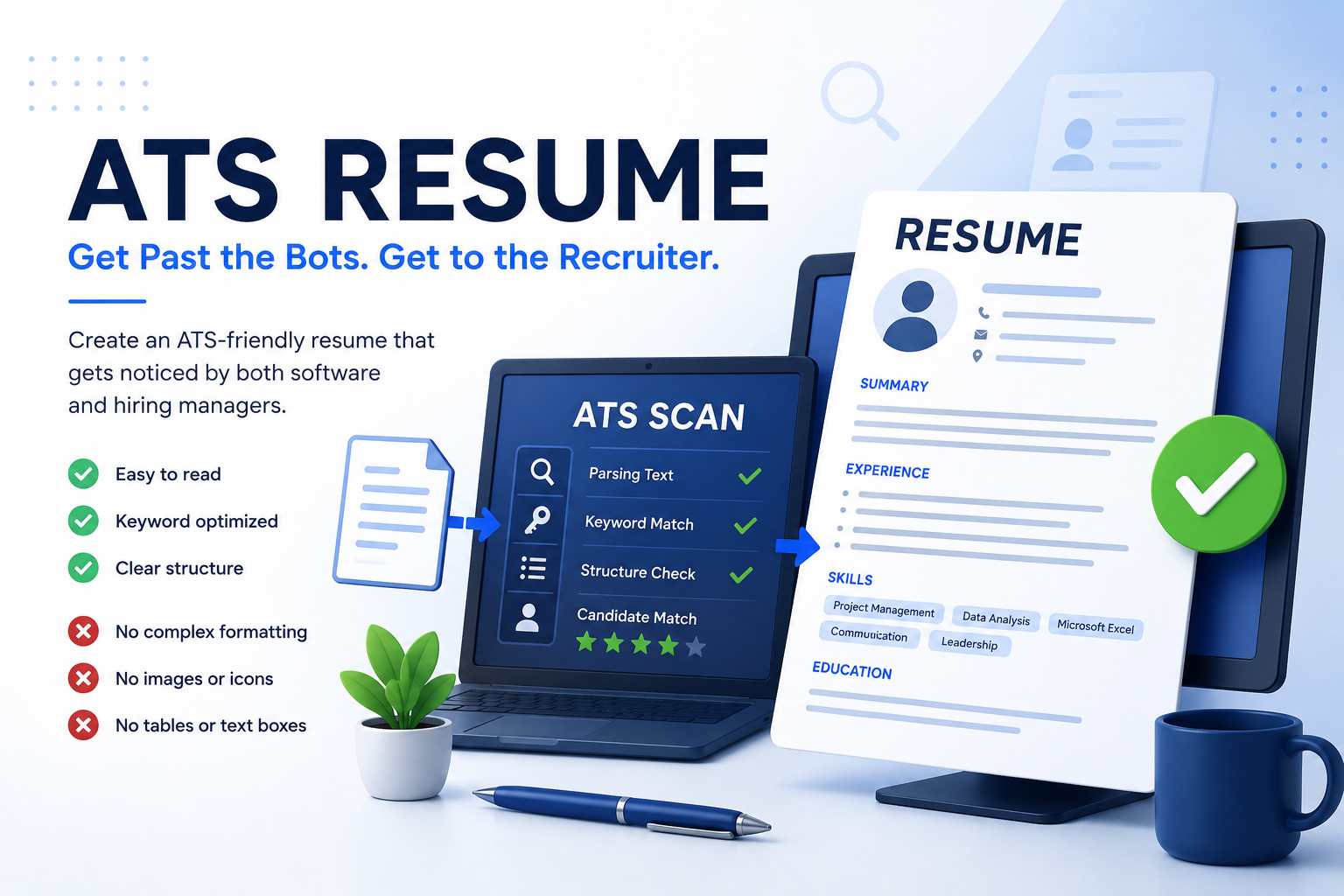
ATS stands for Applicant Tracking System. It is a type of software employers use to collect, organize, and filter job applications.
These systems analyze resumes, search for keywords, identify relevant skills, and rank candidates before recruiters begin their review.
How Does an ATS Work?
A typical hiring process looks like this:
- You submit your resume.
- The ATS scans and extracts the text.
- The system searches for keywords from the job posting.
- Applicants are ranked by relevance.
- The recruiter reviews the strongest matches.
What ATS Systems Like
The cleaner and simpler your resume is, the easier it is for ATS software to understand it.
✅ ATS-Friendly Resume
- Simple text formatting.
- Standard section headings.
- PDF or DOCX format.
- Clear resume structure.
- Relevant keywords from the job description.
- Sections like Experience, Skills, and Education.
What Can Cause Problems?
❌ ATS May Struggle With
- Overly complex resume layouts.
- Text embedded inside images.
- Too many icons and graphics.
- Decorative fonts.
- Complex tables.
- Unusual section titles.
How to Create an ATS-Friendly Resume
An ATS-friendly resume doesn't have to be boring. The key is making sure that important information is readable by software while still looking professional.
- Use clear section headings.
- Include keywords from the job description.
- Keep important information as text.
- Save your resume as PDF.
- Avoid unnecessary graphics and decorations.
Example of a Poor Resume
❌ Poor Example
The resume looks visually impressive, but work experience is displayed as images, skills are represented only by icons, and sections have creative names like "My Journey" or "Superpowers."
Example of a Good Resume
✅ Good Example
The resume uses clear sections such as Work Experience, Skills, Education, and About Me. All information is presented as readable text while maintaining a clean, modern design.
Common ATS Resume Mistakes
- Leaving out the Skills section.
- Ignoring keywords from the job description.
- Using an overly complicated design.
- Replacing text with images.
- Writing vague work experience descriptions.
Frequently Asked Questions
Can ATS read PDF files?
Yes. Most modern ATS platforms can read PDF files as long as the text is selectable and not part of an image.
Can ATS read DOCX files?
Absolutely. DOCX remains one of the most widely accepted resume formats.
Should I include a photo?
In many countries, photos are optional. Unless the employer requests one, you can safely leave it out.
Can I use a two-column resume?
Some modern ATS systems can process two-column layouts, but a single-column resume generally offers the best compatibility.
Create an ATS-Friendly Resume
Resume Pilot helps you build clean, professional resumes designed to work well with both recruiters and modern Applicant Tracking Systems.
Build Resume